Corpse storage
Death-related items can remain associated with a corpse or recovery container instead of being spread across the ground.
Learn how Corpse Mod keeps death drops tied to a recoverable corpse, how to return to your death location, and how to install the compatible NeoForge package for your Minecraft setup.
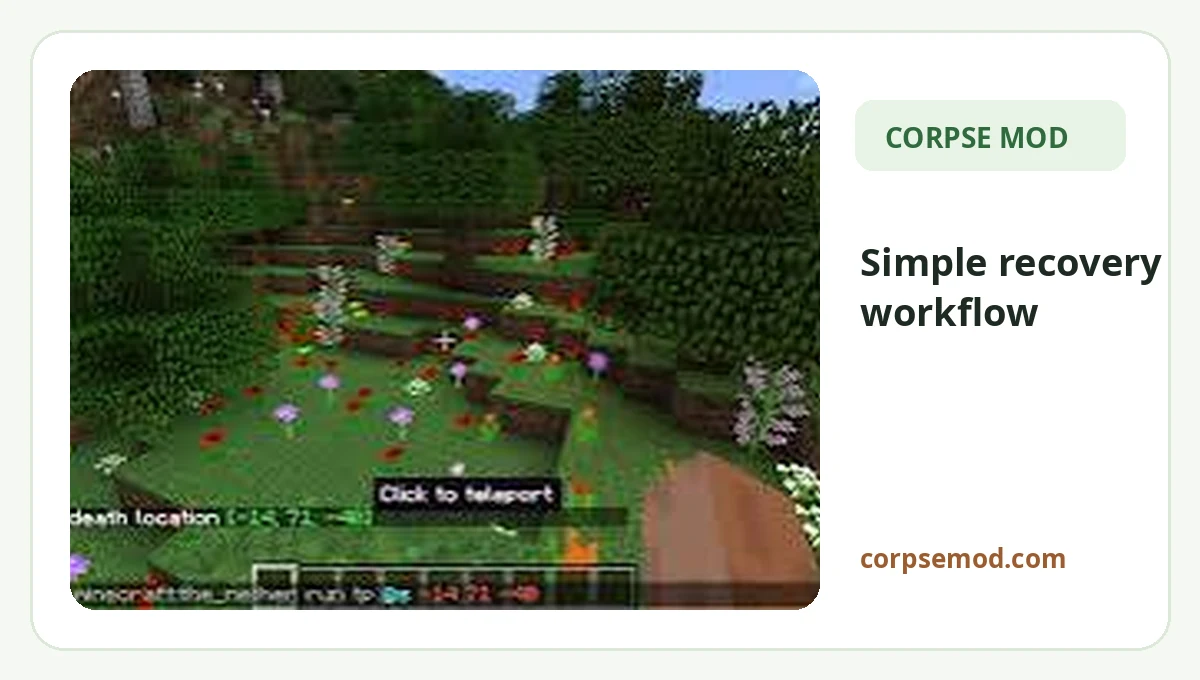
Corpse Mod is built around a simple idea: death should not turn item recovery into a confusing search through scattered drops. It provides a corpse or recovery-container workflow so players can return, locate their items and continue playing.
Useful recovery behavior, clear setup expectations and practical guidance for compatible Minecraft mod-loader setups.
Death-related items can remain associated with a corpse or recovery container instead of being spread across the ground.
Return to the death area, locate the corpse, then interact with it to collect gear according to the installed release.
A structured container makes it easier to notice what you recovered and reduces accidental loss during pickup.
Useful for shared worlds when the server, clients and permissions are configured around the same compatible build.
Guides emphasize matching Minecraft, the mod loader and the exact mod package before launching.
Use the provided NeoForge JAR with a matching Minecraft and loader version, then verify the mod is detected before opening an important world.
Instead of leaving recovery to scattered drops, the mod centers the process around a corpse or recovery container at the death location.
When the player dies, supported versions keep the dropped inventory associated with a corpse or recovery container near the death location.
Travel back to the same dimension and death area. Coordinates, map knowledge or any recovery marker available in your setup can help you find it quickly.
Interact with the corpse, make enough inventory space and confirm that important equipment, tools and resources have been collected before moving on.
The direct file on this site is the supplied NeoForge package. Do not treat loader names as interchangeable.
| Platform / loader | Guidance | Status |
|---|---|---|
| NeoForge | Use a build intended for your Minecraft + NeoForge setup. | Provided file |
| Fabric | Requires a Fabric-specific release rather than the provided NeoForge JAR. | Separate build |
| Forge | Use a Forge-specific release if the mod version you need provides one. | Verify build |
| Bedrock / PE | Java .jar mods are not installed through Bedrock’s add-on system. | Different system |
Protect progress when a risky trip ends far from base.
Make distant cave, Nether or expedition deaths easier to recover from.
Give players a clearer way to reclaim personal gear after unexpected deaths.
Keep large inventories and specialized equipment easier to identify after death.
These steps keep the setup clean while avoiding the most common loader mismatch.
mods folder.The direct file is named corpse-neoforge-1.1.19+26.2.jar. The filename identifies the package as NeoForge, but you should still verify the exact game and loader requirements for the setup you use.
Download NowUse this package for a compatible Minecraft NeoForge setup. Before installing, confirm that your Minecraft version, NeoForge loader and mod build match so the game can load the mod correctly.
Back up important worlds before changing mod loaders or updating gameplay mods.
Review the supplied NeoForge package details before installation, then match the mod build with the Minecraft and loader versions used by your active profile.
Ready for a direct download from the website package directory.
Create a backup before installing, removing or updating gameplay mods. Test new loader or mod combinations on a copy if the world contains important builds or long-term progress.
A corpse system can help after player death, but it cannot guarantee protection from corrupted worlds, incompatible updates or unrelated mod conflicts.
Start with version alignment and the active Minecraft instance before moving to deeper log or configuration checks.
Confirm the Minecraft version, NeoForge version and Corpse Mod build are compatible. Then review the latest log for a missing dependency or a loader mismatch.
Check that the JAR is inside the mods folder for the exact launcher profile you are starting, not another instance or game directory.
Verify the death dimension and location, then check server settings and other installed mods that may change death drops, corpse access or persistence.
Focused articles built around common Corpse Mod search intent and practical setup questions.
Direct file, loader checks and a clean first-install workflow.
Read guide →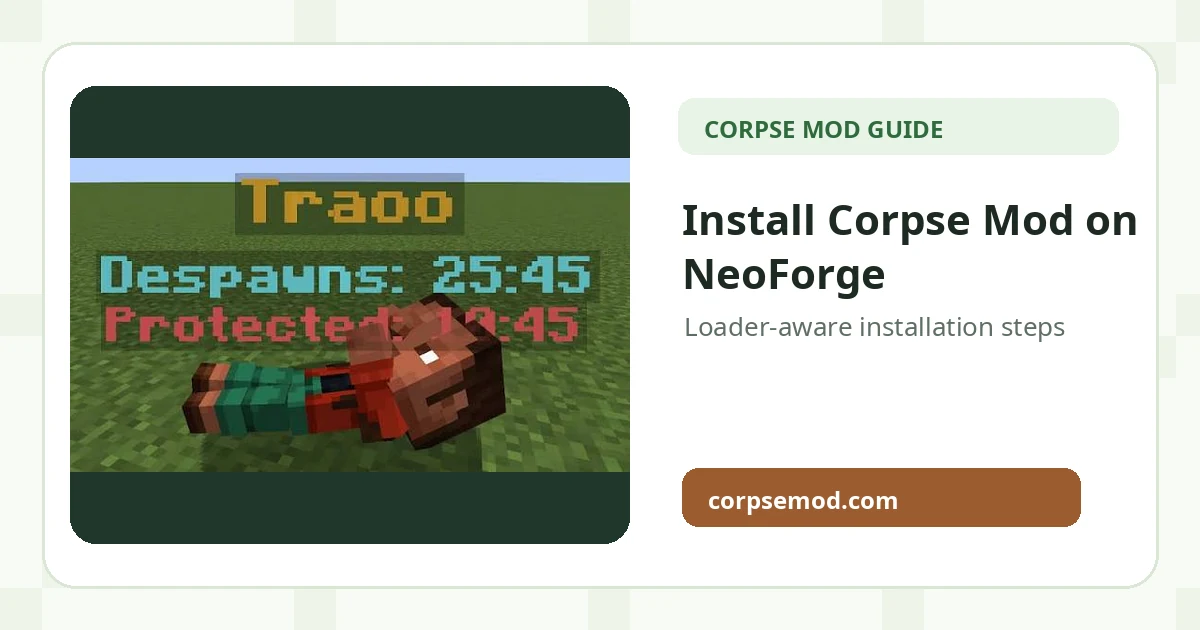
Where to place the JAR and what to verify before launching.
Read guide →
Resolve loader mismatch, startup issues and missing recovery points.
Read guide →Exactly twenty practical answers across download, compatibility, recovery and troubleshooting.
Corpse Mod is a Minecraft item-recovery utility designed around leaving recoverable storage at or near a player death location, so lost gear can be collected more safely.
The direct file provided here is corpse-neoforge-1.1.19+26.2.jar. It is packaged on this website for direct download.
Yes. The supplied filename identifies it as a NeoForge package. Match it with the loader and game setup you intend to use.
Fabric support depends on having a Fabric-specific build of the mod. A NeoForge JAR should not be placed into a Fabric-only installation.
Do not assume NeoForge and Forge files are interchangeable. Use the build intended for your installed mod loader.
Version support depends on the exact release you install. Match the mod build, Minecraft version and loader before starting the game.
Use a Fabric-specific release that explicitly matches the intended Minecraft and Fabric Loader versions. The direct file on this site is the supplied NeoForge package.
No. Bedrock Edition does not load Java Edition .jar mods through NeoForge or Fabric. Bedrock uses a different add-on system.
Minecraft PE is part of the Bedrock ecosystem, so Java loader JAR files are not installed there in the same way.
A loader or Minecraft version mismatch is one of the most common reasons a mod fails to load, crashes during startup or is ignored by the game.
The intended recovery flow is to keep death-related items associated with a corpse or recovery container rather than leaving everything scattered. Exact behavior can vary by version and configuration.
Return to the recorded death area, locate the corpse or recovery container, and interact with it according to the installed version. Keep inventory space available before recovering a large load.
Confirm the death dimension and coordinates, check whether another mod changed death behavior, and verify the server and client are running compatible mod versions.
Many item-recovery mods are used on servers, but the server must run the required mod and compatible loader. Follow the server owner’s configuration and permissions.
Persistence can depend on configuration and release behavior. Treat important items as time-sensitive and recover them as soon as practical.
Access rules may depend on the mod version, configuration and server permissions. Check the server settings before relying on private protection.
Yes. A recent world backup is a sensible precaution before changing loaders, mod versions or recovery-related configuration.
Remove the new file temporarily, confirm the correct loader and Minecraft version, review the latest log, and check whether a required dependency is missing.
Updates are usually safest when you back up first, verify compatibility and avoid changing several core mods at the same time.
No. This website is an independent information and download resource and is not affiliated with Corpse Mod or other third-party platforms.